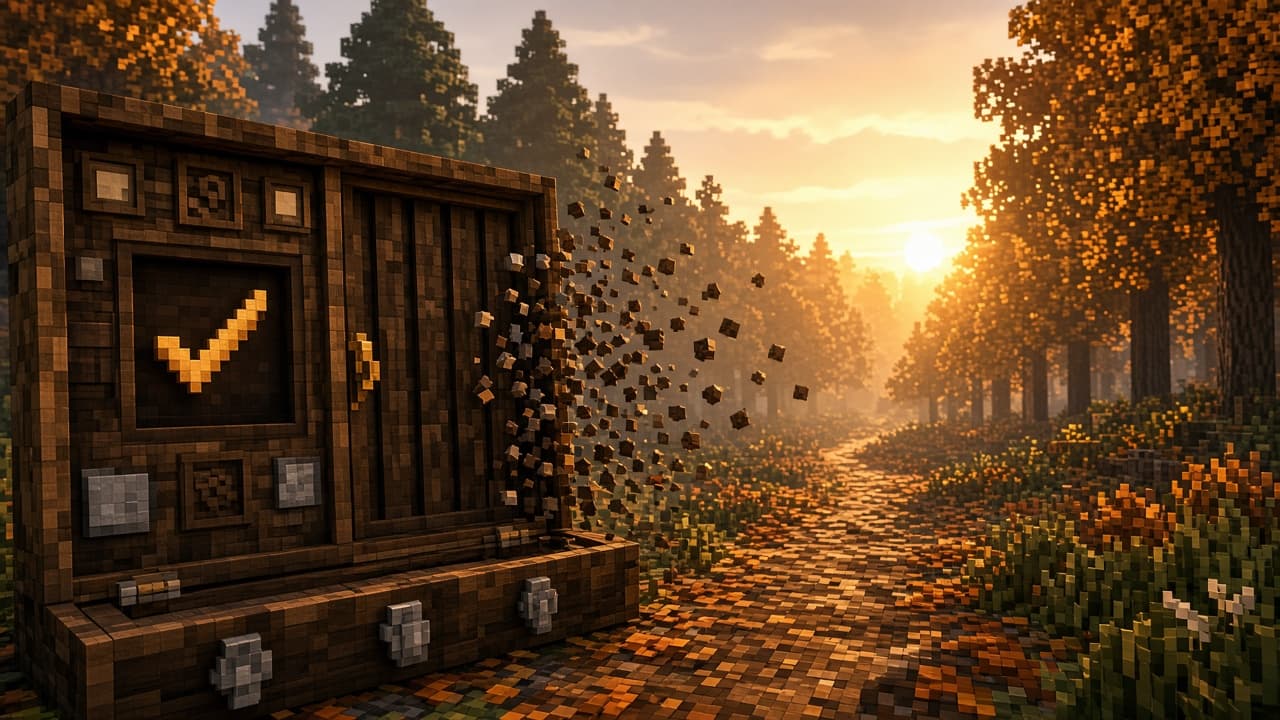
RC2 was the second near-final Java 26.3 candidate for Wilderness Bound — the “if nothing critical remains, this might ship” energy, with one painfully practical fix in the spotlight. Single-bug RCs look thin on a changelog page and enormous when you have lived the freeze.
What RC2 fixed
- MC-311782 — Clicking a button that opens a folder freezes the game until the folder opens
- Same RC install path: snapshots in launcher Installations, backups, optional server jar, issue tracker

Analyst take
Folder-open freezes are the kind of last-mile annoyance that only shows up when you are already late for a Realm night. RCs exist to catch exactly this class of bug — not to debut biomes. You click “open folder,” the game stops breathing, your friends ask if you AFK’d, and suddenly the camping fantasy is a support ticket.
Compared with RC1’s combat honesty work, RC2 is pure session-ops polish. Compared with RC3’s VSync and pack-save fixes, it is the middle chapter: UI freezes that punish anyone who manages worlds, screenshots, or resource folders mid-evening.
Creators feel this harder than casual tourists. Opening a screenshots folder, a resource-pack directory, or a worlds folder is part of the job. A freeze that only happens “until the folder opens” is still a freeze that kills timing, commentary, and patience. Ship-confidence is often just “can I click the boring buttons without drama?”
How to use RC2 energy (even post-launch, as a lesson)
- Never point an RC at your main survival folder
- Reproduce the open-folder path once after updating
- Host test servers on a separate jar/folder from live friends
- File leftovers with clean steps if anything still hangs
- Keep a sticky note of “UI paths we actually use on Realm night” and poke those first
Failure modes
- Assuming a one-line RC is “not worth installing to verify”
- Opening folders from the game while streaming without a backup plan if it hitch-locks
- Mixing test jars and live friend servers in the same directory soup
- Skipping bug reports because “it only froze for a bit”
- Using the freeze as an excuse to abandon the whole RC train
What a one-bug RC teaches about launch culture
Players joke that short candidates mean “they are done.” Sometimes yes. Sometimes it means the remaining risk is concentrated in a few high-pain interactions. RC2 is a reminder to judge polish by blast radius, not by word count. One frozen folder click can waste more goodwill than a missing shrub.
Carry the lesson past launch week: whenever a new candidate or hotfix lands, poke the boring UI paths first. Worlds folder, screenshots folder, resource packs, server list edits. Fantasy biomes get the screenshots; session-ops bugs get the refunds.
Realm + soundtrack angle
This is desk-lamp testing, not autumn tourism. Keep the mix quiet and functional while you click the dangerous buttons. The campfire playlist can wait for retail Wilderness Bound — RC2’s job is making sure the trailhead UI does not freeze mid-hype.
Stacked with RC1 and RC3, RC2 is the UI-freeze chapter in a healthy polish trilogy: combat → freezes → display/PvP. Happy mining — and keep the campfire playlist ready for retail nights.
The smallest RC notes often protect the loudest Realm nights.
PixelCraftMusic