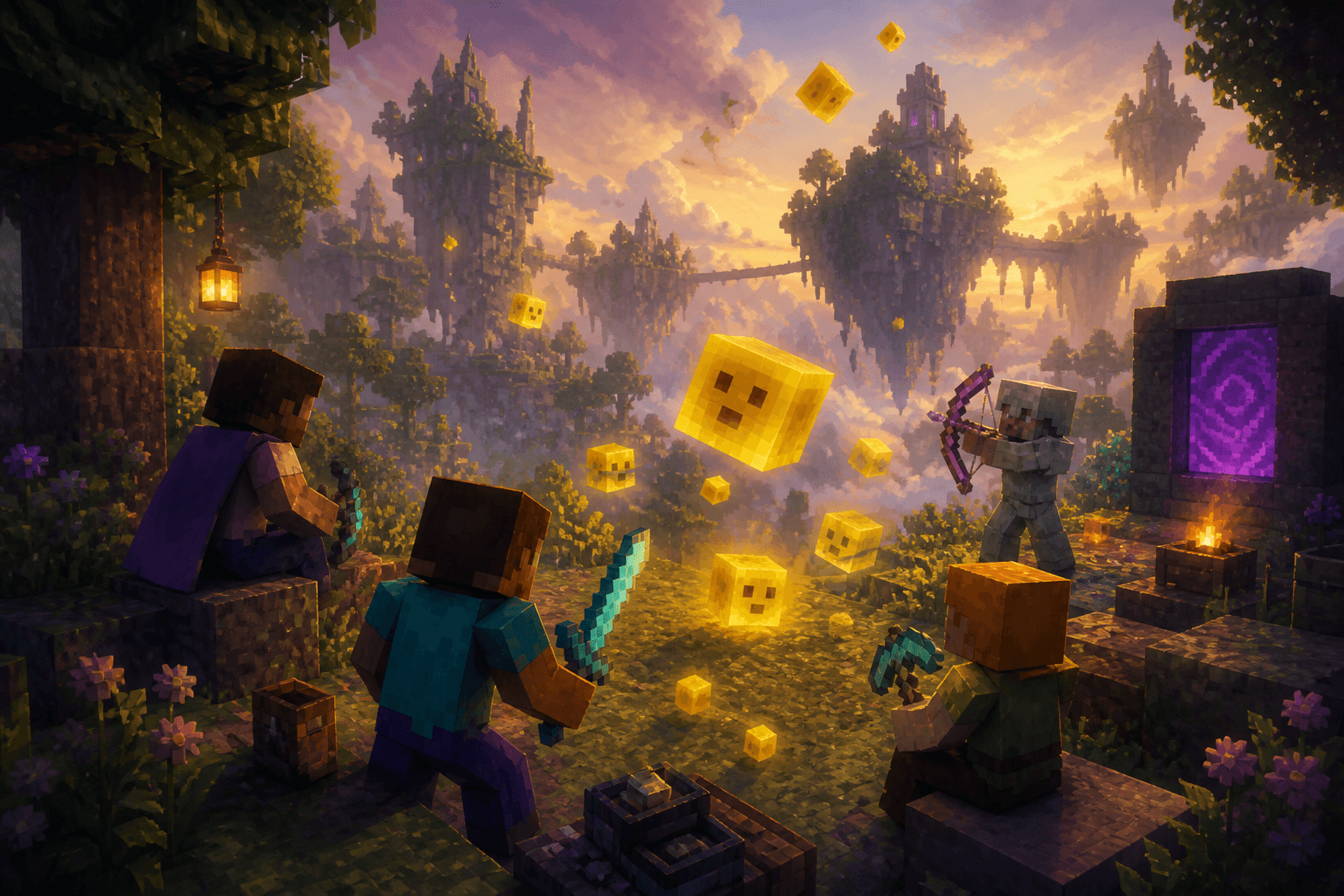
Chaos Cubed is built for shared mischief, and Minecraft Realms is still the easiest private stage for it. Sulfur caves, cinnabar flexes, and TNT-flavored sulfur cubes turn a Realm into an informal Olympics — resource races, monument contests, and plenty of legal sabotage while friends watch the rivalry unfold. The drop wants an audience. Realms supplies the seats.
A Realms party plan that actually works
- Start a fresh world (or a dedicated chaos slot — warn the Realm first)
- Split into teams; race into sulfur caves
- Race back to build a cinnabar monument as proof
- Bragging rights are the prize; distractions are on brand
- Set a 45-minute chaos timer, then decompress on a calm world
Add-ons that raise the stakes
- Eternal Caves by Panascais — many new cave types, creatures, bosses, dungeons, subterranean villages, weather, dwarves
- AdventureCraft — fantasy systems, dungeons, bosses, rideable dragons for chaos from dragonback
- Keep add-on installs intentional; stacking five packs can erase the Chaos Cubed fantasy under noise
The season also tied into a WatchTime Quest (roughly June 18–July 18) where watching participating creators on Twitch or TikTok could unlock a free Realms Plus trial month code — limits and platform steps apply; redeem through Microsoft account flow, activate in Bedrock on PC or Xbox, with profile-based claiming on some other platforms. Parties make hopping between Bedrock multiplayer worlds easier too. Treat codes like perishable loot — redeem before the window closes.
Culture rules for messy multiplayer
- Agree on one silly goal before anyone loads sulfur
- Keep a second calm Realm world ready when everyone needs to decompress
- Music stays supportive under voice chat — lively co-op bounce with soft pads, not louder than the laughs
- Do not enable Chaos Cubed mid-farm run without a warning in chat
Failure modes
- Turning the precious survival Realm into a sulfur Olympics without consent
- Skipping the timer and wondering why the friendship feels crispy
- Chasing every Marketplace add-on until the night has no thesis
- Missing trial-code deadlines after watching the quest streams
Chaos Cubed on Realms is the rowdy friend-session version of the drop: sulfur-cube experiments, messy builds, and voice chat carrying the jokes. Host with a playful mix under the chatter. Multiplayer chaos is best when music stays supportive, not louder than the laughs. Agree on one silly goal, hit the timer, then switch maps so the night still ends friendly.
Bottom line: Chaos Cubed loves an audience, and Realms plus one clear goal give that audience a private arena — messy on purpose, ended on purpose.
Fresh world, one monument race, one calm exit — Realms chaos with a soft landing.
PixelCraftMusic